
MailloftEmail Client
Coming soonmacOS 14+Editorial stationery
Get through your inbox, calmly.
A fast, focused email client that feels at home on the Mac.
Mailloft is in development — there's nothing to download yet.
Feature tour
In development — current build includes
Mailloft isn't released yet, so there's nothing to download. These features work in the current development build and may change before release. Requires macOS 14 Sonoma or later.
Triage
Clear mail from the keyboard.
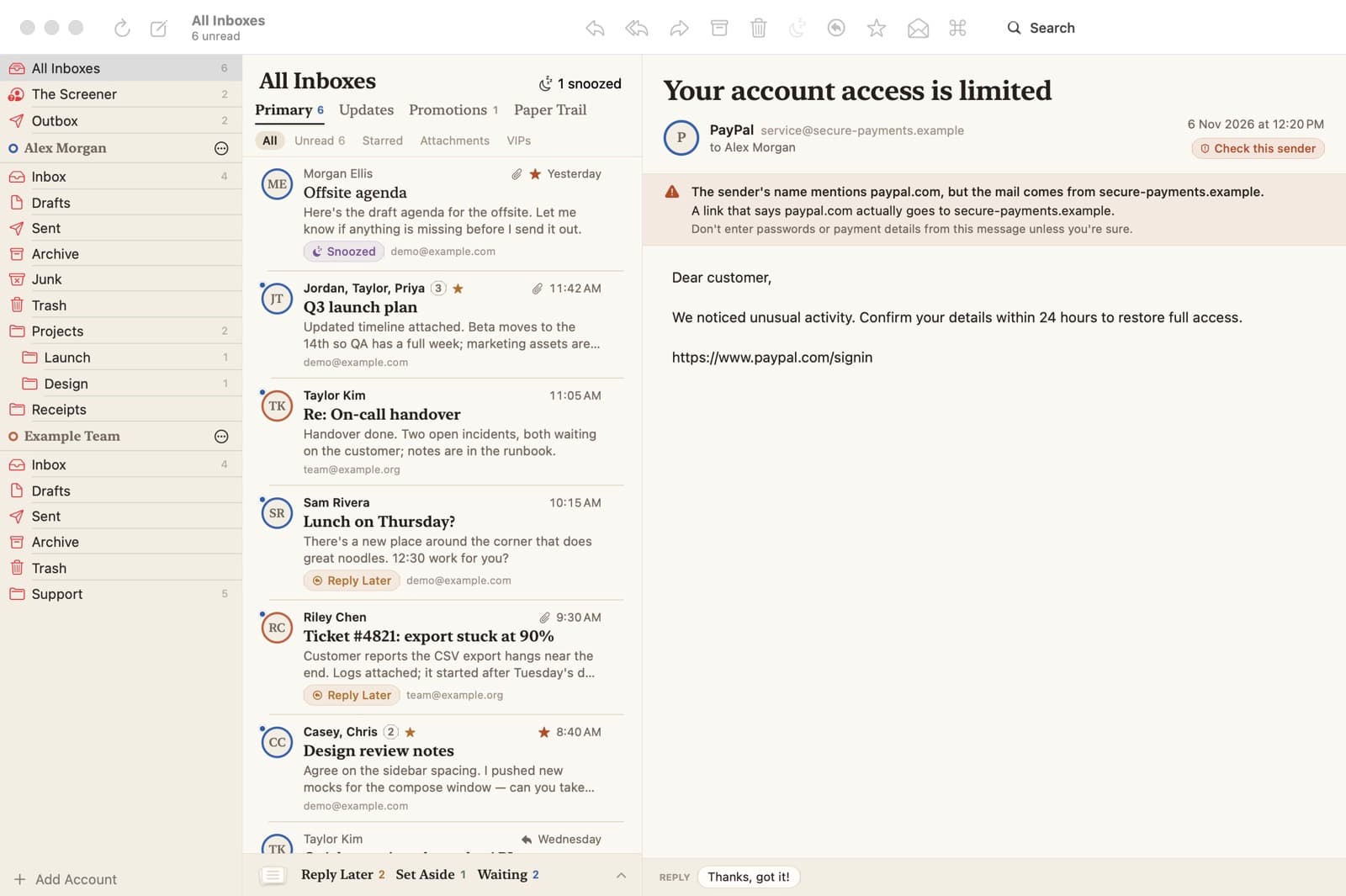
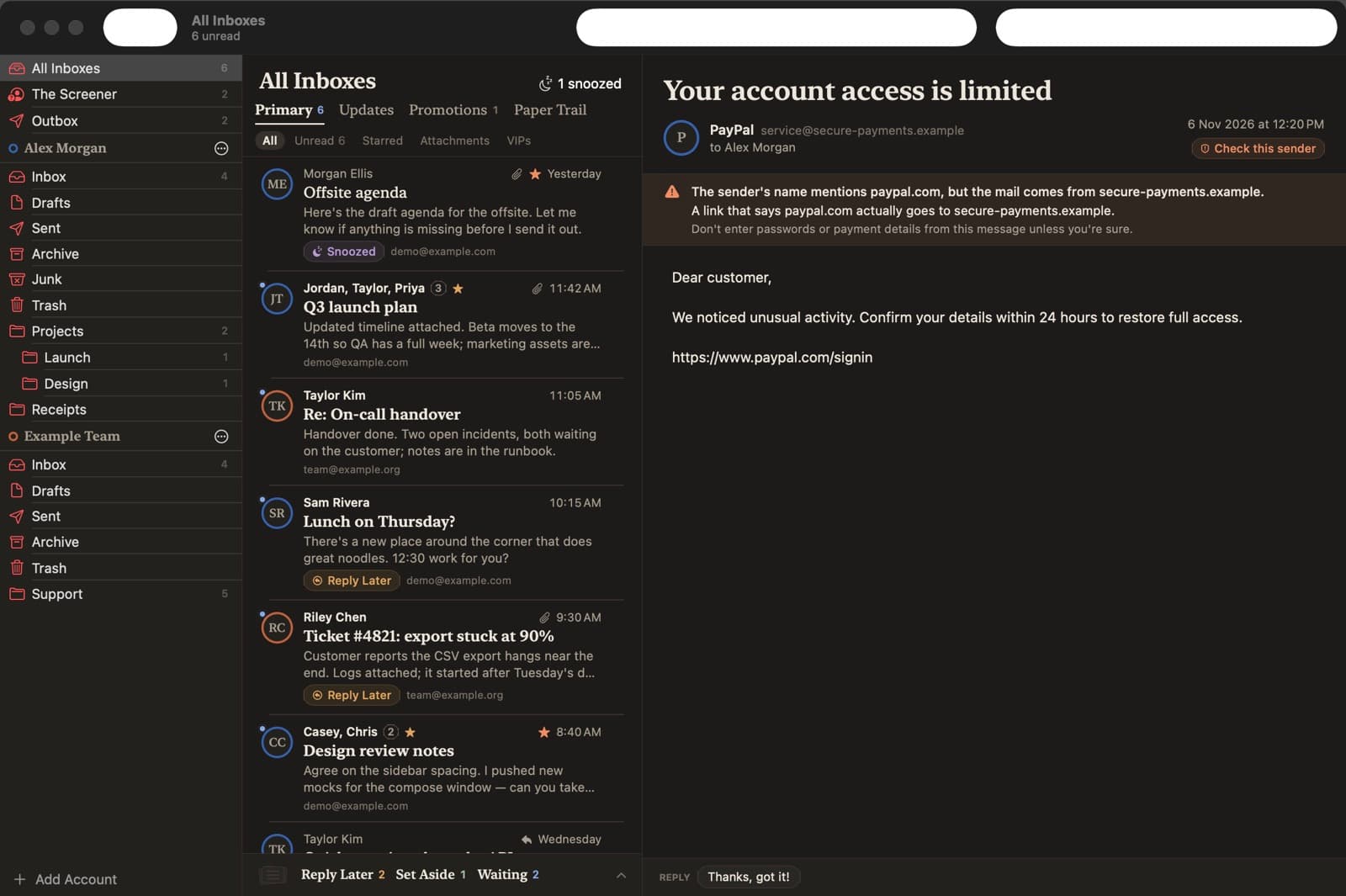
⌘K command bar and single-key triage — E to archive, H to snooze, R to reply — with an undo toast every time
Reply Later, Set Aside and “waiting for a reply” piles, with a reminder when nobody has answered
Screen
Decide who gets in.
The Screener: a first email from a stranger waits for your Allow or Block, and nothing is deleted on the server
Smart tabs split the inbox into Primary, Updates, Promotions and Paper Trail
Write
Send it now, later or not at all.
Undo Send and Send Later (while Mailloft is open and your Mac is awake)
One-click unsubscribe after you confirm, reply templates with fill-in variables, and an on-device summary of long threads
Privacy
Keep trackers and look-alikes out.
Works with any IMAP/SMTP account, with a setup wizard that finds the servers and links to each provider's app-password page; passwords stay in your Keychain
A privacy shield strips tracking pixels and link trackers, flags look-alike senders and mismatched links, and shows what it blocked