
PixfinchScreenshot Tool
Coming soonmacOS 14+▸ Photographer's darkroom
Capture, mark up, share.
Capture, annotate and beautify screenshots without leaving the keyboard.
Pixfinch is in development — there's nothing to download yet.
Feature tour
In development — current build includes
Pixfinch isn't released yet, so there's nothing to download. These features work in the current development build and may change before release. Requires macOS 14 Sonoma or later.
Capture
Grab exactly what you need.
Capture an area, a window or the full screen; one All-In-One hotkey lets you choose the mode as you go, and Repeat Last Area re-takes a shot in a keystroke
Scrolling capture stitches a long page into a single image
Edit
Mark it up and make it look good.
Mark up with curved arrows, a hand-drawn style, numbered steps, a magnifier and a spotlight
Beautify with Auto Balance backgrounds built from your screenshot's own colours, saved looks and social-media sizes
Inspect
Hide secrets. Check spacing.
Redact sensitive text in one step: emails, card numbers, API keys and more are found on-device and covered with an opaque box
Measure the gaps between interface elements and pick colours, with a WCAG and APCA contrast checker
Organise
Keep every shot within reach.
A stack of quick-access thumbnails after each shot: drag into any app, copy, annotate, pin or share
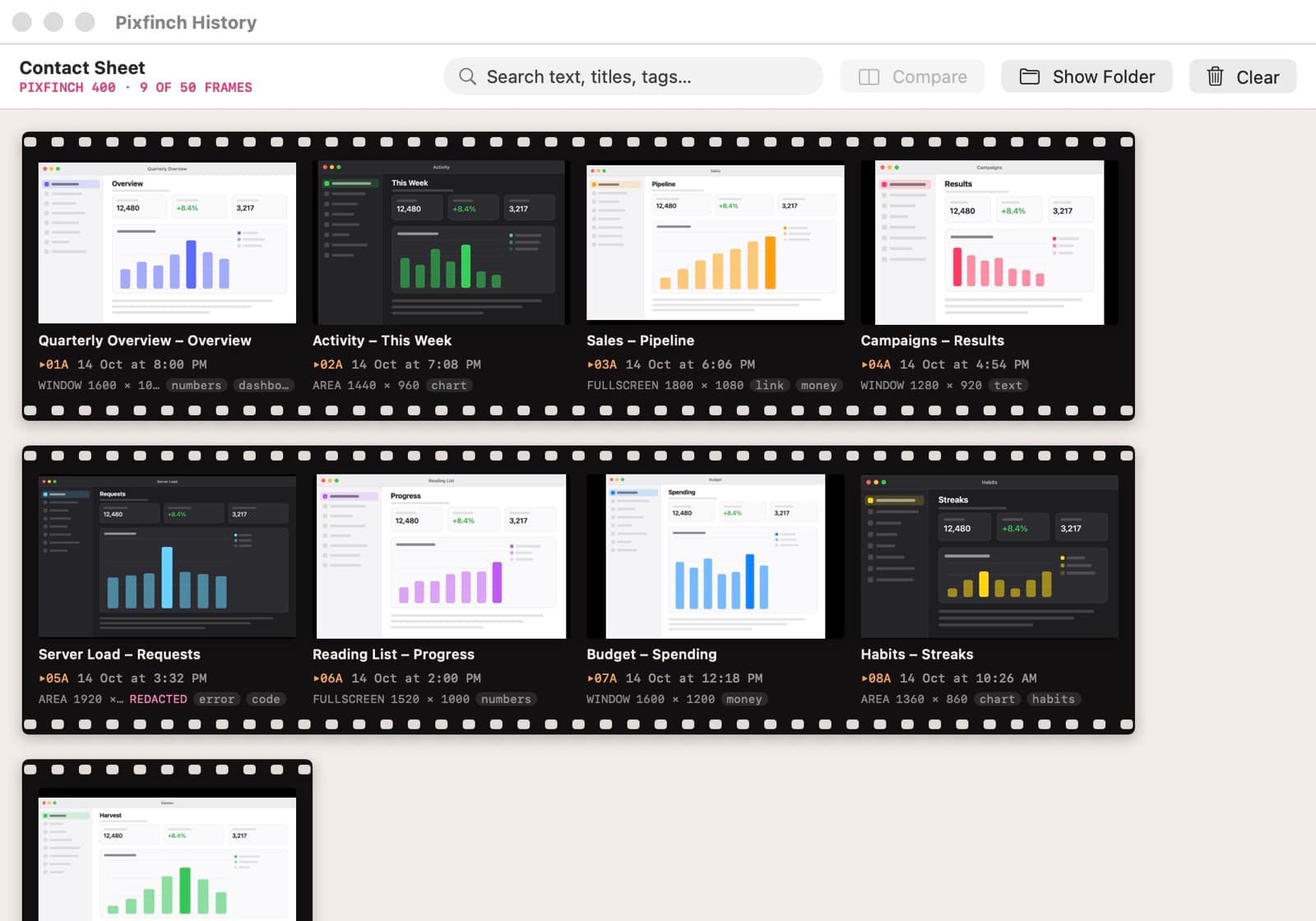
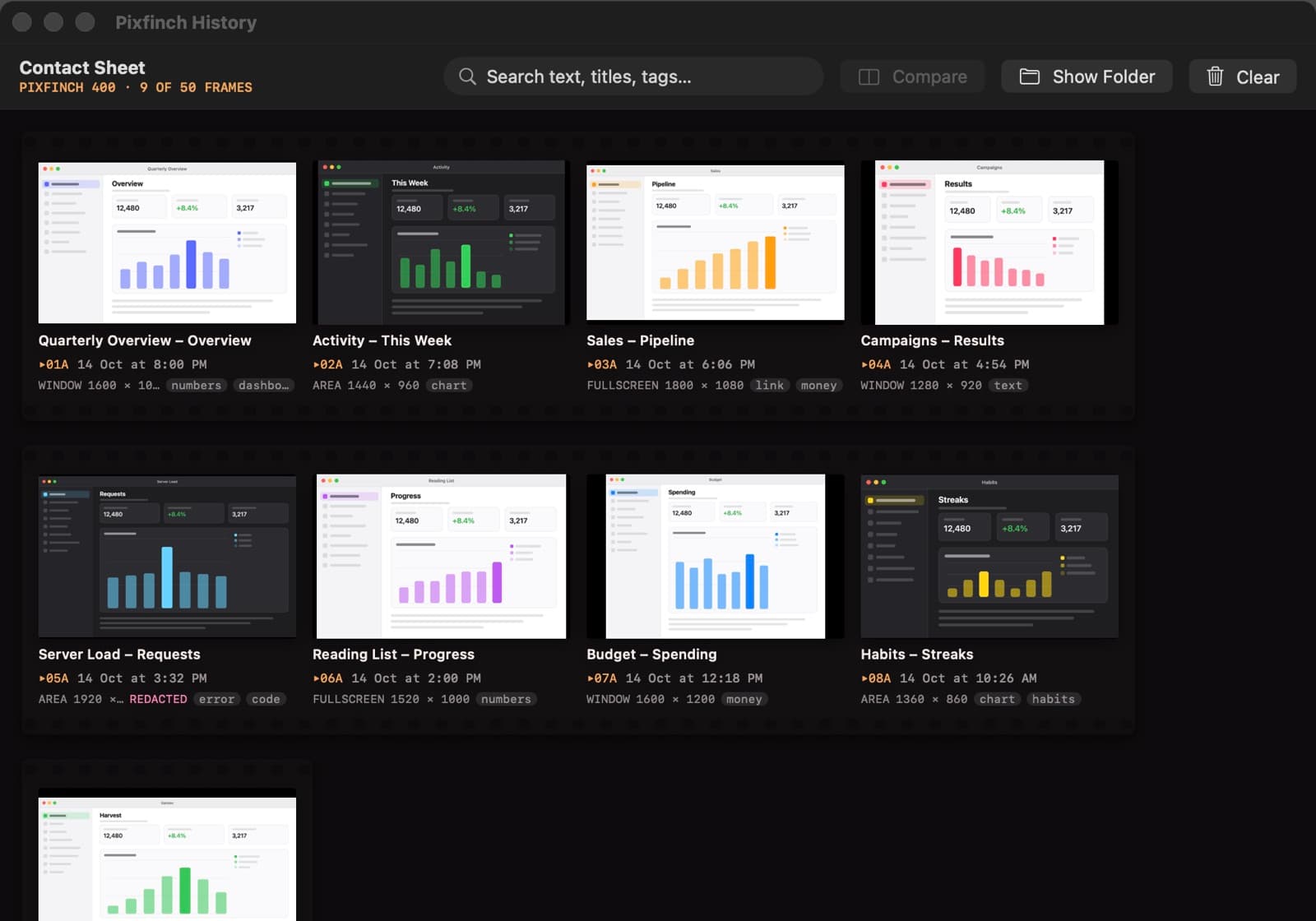
Record an area to MP4 or GIF; history is a searchable contact sheet that finds the text inside your screenshots