
NotchjarNotch Utility
Coming soonmacOS 14+Black-glass hardware
Put the notch to work.
Turn the notch into a shelf for files, media controls and live status.
Notchjar is in development — there's nothing to download yet.
Feature tour
In development — current build includes
Notchjar isn't released yet, so there's nothing to download. These features work in the current development build and may change before release. Requires macOS 14 Sonoma or later.
Live
See what's happening at a glance.
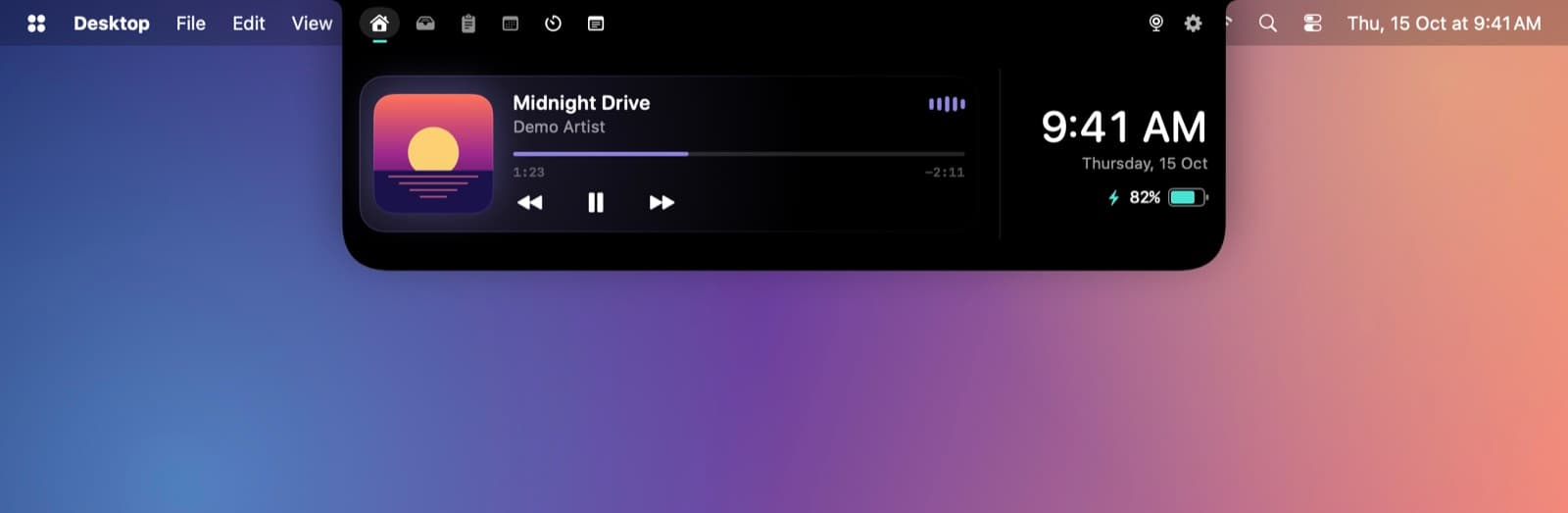
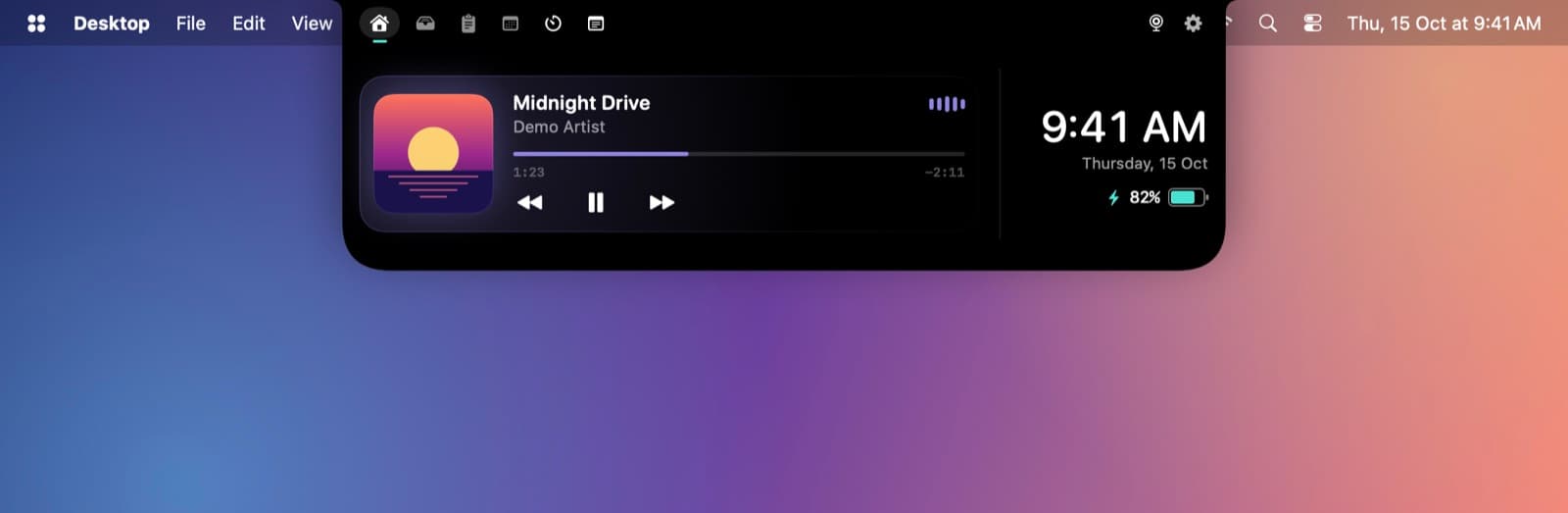
Live activities beside the notch: now playing, timers, your next meeting, and a dot when a microphone or camera is in use
A taller peek when you plug in a charger, connect a Bluetooth device or change the volume
Media
Control what's playing.
Now playing tinted by the album art, with a scrub bar and swipes to skip or seek
Shelf
Park files and clips by the notch.
Clipboard history with pinning and search that skips password-manager copies, plus a scratchpad
A shelf for files with quick actions: compress or convert images, copy text out of them, AirDrop or share
Jiggle the pointer while dragging files to summon a floating basket; Macs without a notch get a pill
Tune
Make it yours.
Every feature is a module you can switch on or off, reorder and give a shortcut
Smart hover that opens when you head for the notch, haptic feedback and a minimal mode